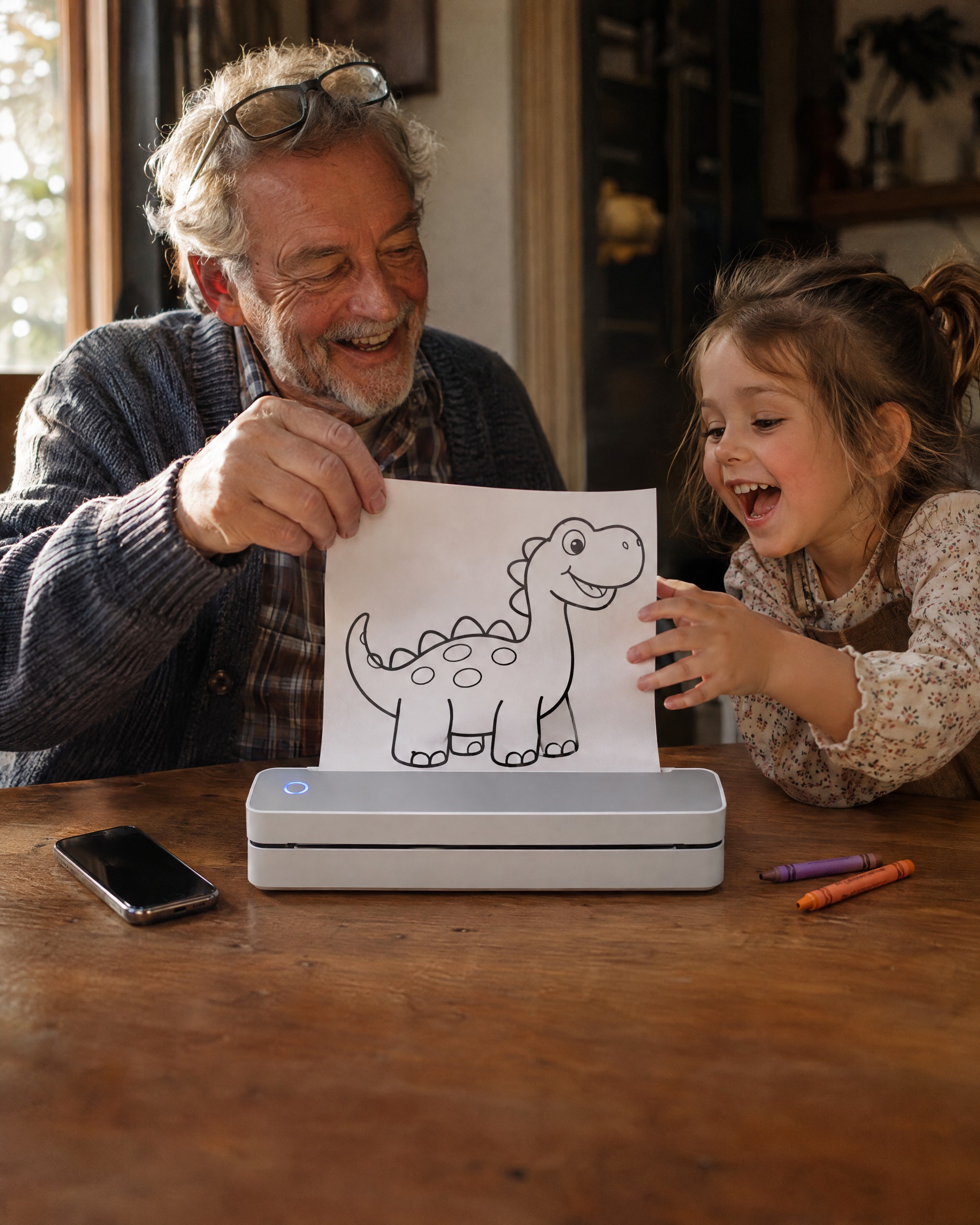
The printer
that never needs ink.
No cartridges, no “low ink”.
Thermal paper only: plain copier paper won’t work. 10 sheets of starter paper come in the box.
No. 01 Nothing to refill
No ink. No toner. No cartridges. Just paper.
It works like the receipt printer at a store checkout, only the page is full Letter or A4 size. Heat darkens the paper where the words go.
What you buy again
Ink cartridgesnot neededTonernot needed
Thermal paperLetter or A4
10 sheets come in the box, so you can print the day it arrives. See the paper packs →
How heat prints a page
Special paper goes in
Thermal paper has a coating that turns dark where it’s warmed.
A warm strip touches it
Only where a letter goes, as the page passes through.
The words are there
Black on white. Nothing poured, sprayed or refilled, and no low-ink warning halfway through a page.
No. 02 From your phone
Your phone is the print button.
It works with iPhone and Android over Bluetooth (wireless), through a free app. You don’t need a computer to use it.
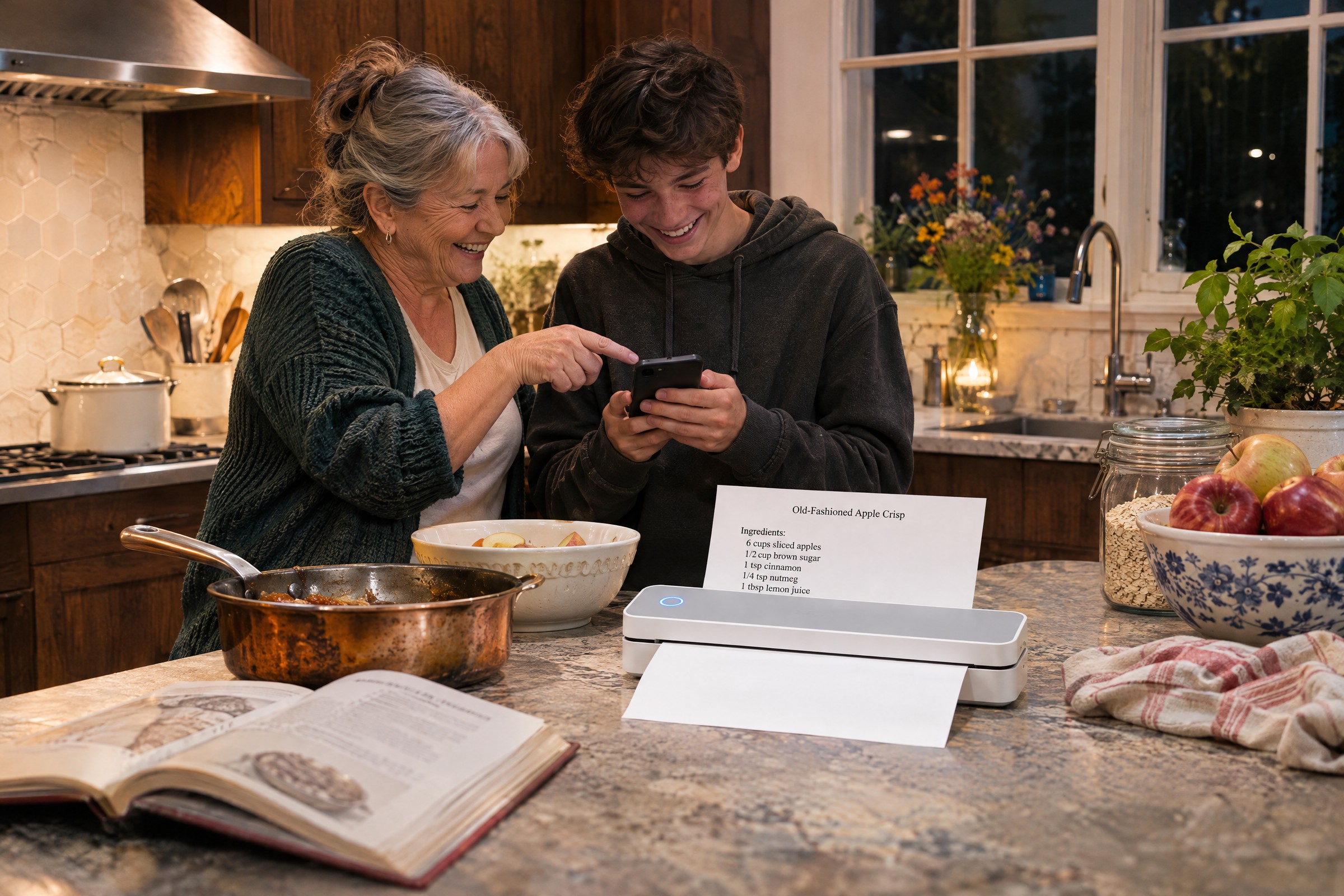
Install the free app
It’s called HerePrint. Get it from the App Store or Google Play.
Connect, no wires
Turn the Leaf on, open the app and tap Connect printer. It pairs by Bluetooth.
Pick a file. It prints.
A full Letter or A4 page, in black and white. No ink: heat does the printing.
- Phones
- iPhone and Android, by Bluetooth with the free HerePrint app. More than one phone can pair with it.
- Computers
- Mac, Windows and Chromebook, by the USB-C cable. Install the free printer driver first.
- Files
- Word
- Excel
- PowerPoint
- JPG and PNG photos
- Web pages
No. 03 Goes where you go
Put it away when you’re done.
It runs on a built-in battery, so it can live in a drawer at home and go in a bag when you need a page somewhere else.
In the drawer
No spot on the desk, no cable left plugged in.
Charge it
With the USB-C cable from the box, the small oval plug most new phones use.
In the bag
It fits a backpack or briefcase, and prints with no outlet nearby.
Where it comes along
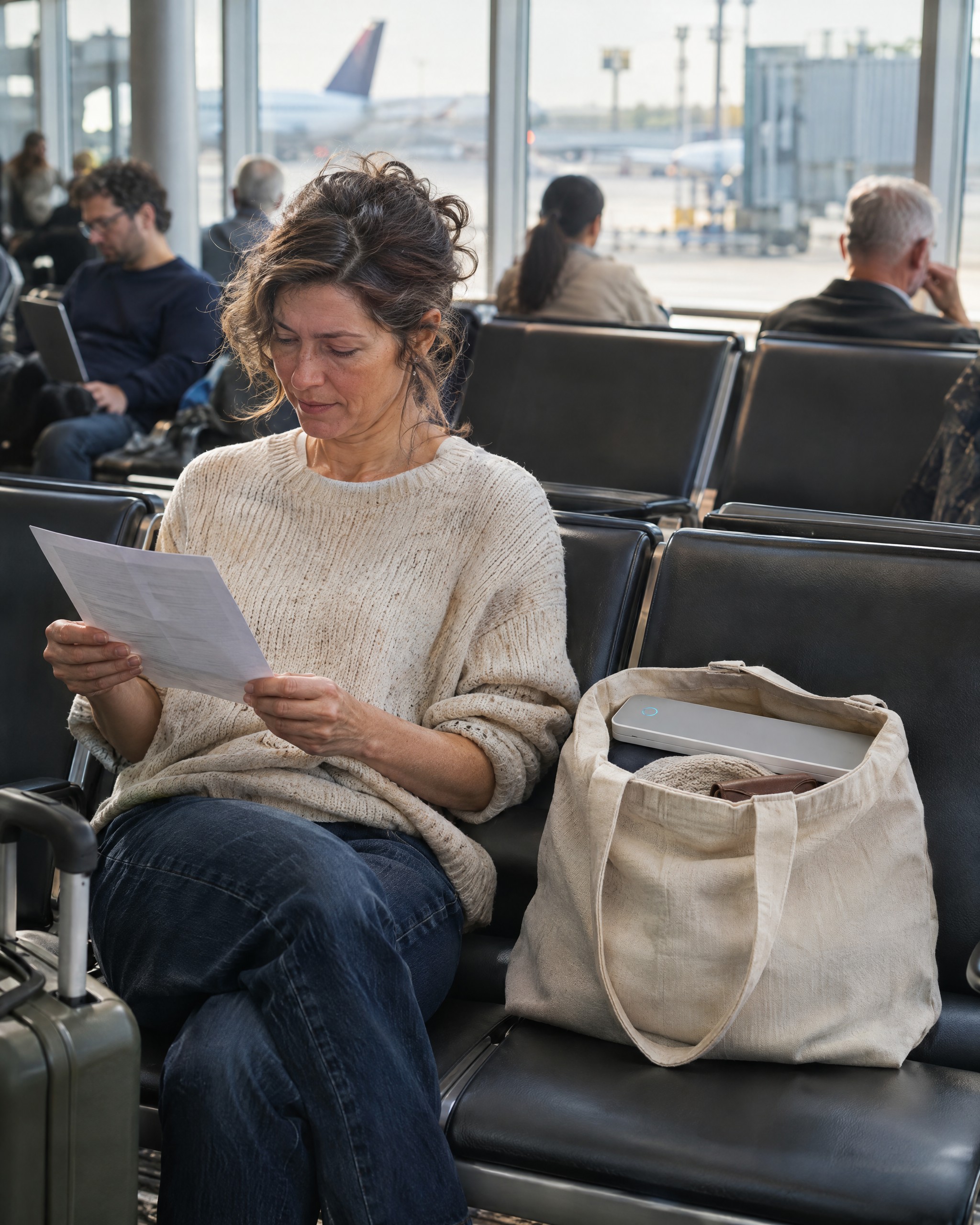
At the airport
An itinerary in hand, the Leaf in the tote.
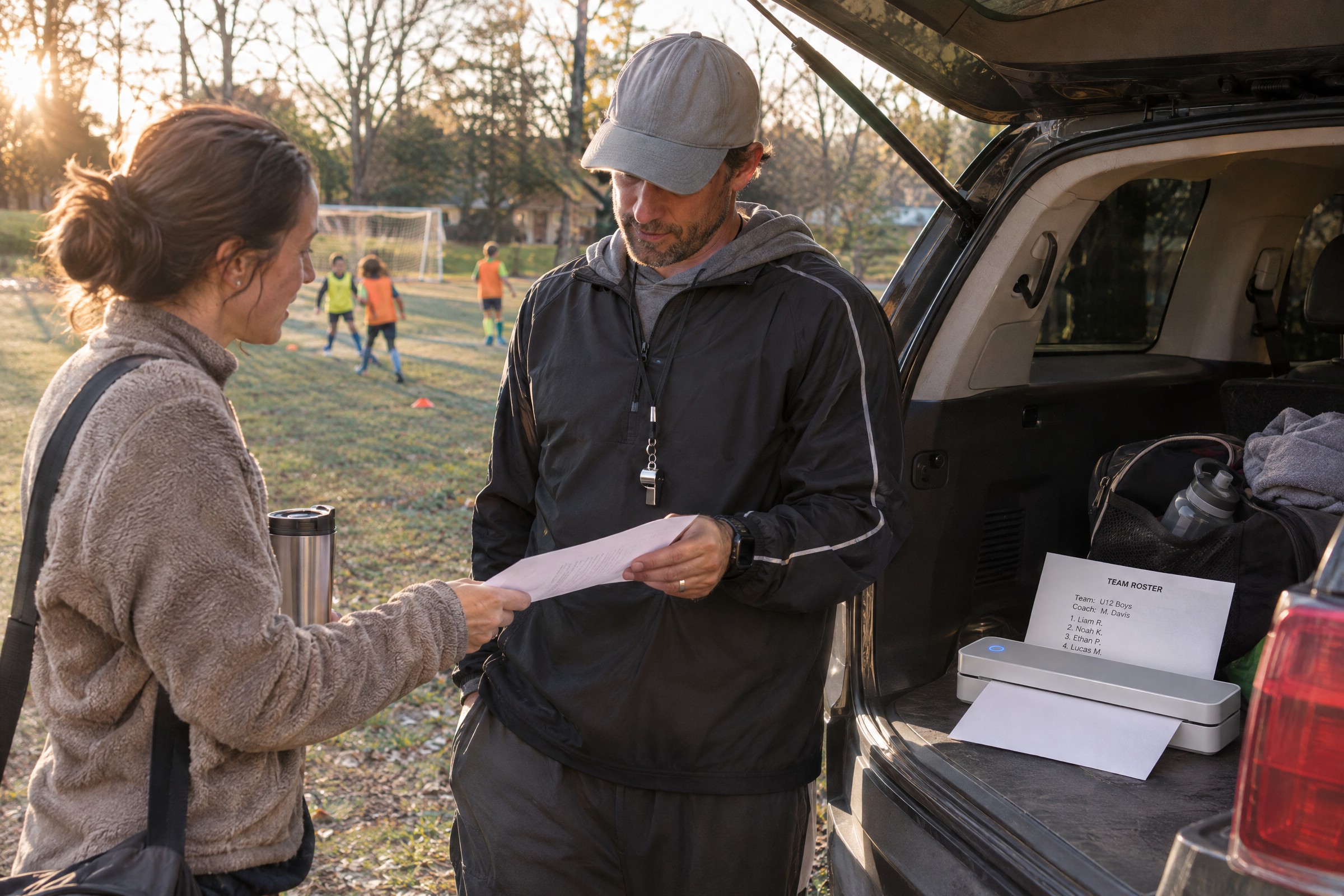
At the soccer field
A team roster, printed from the back of the car.
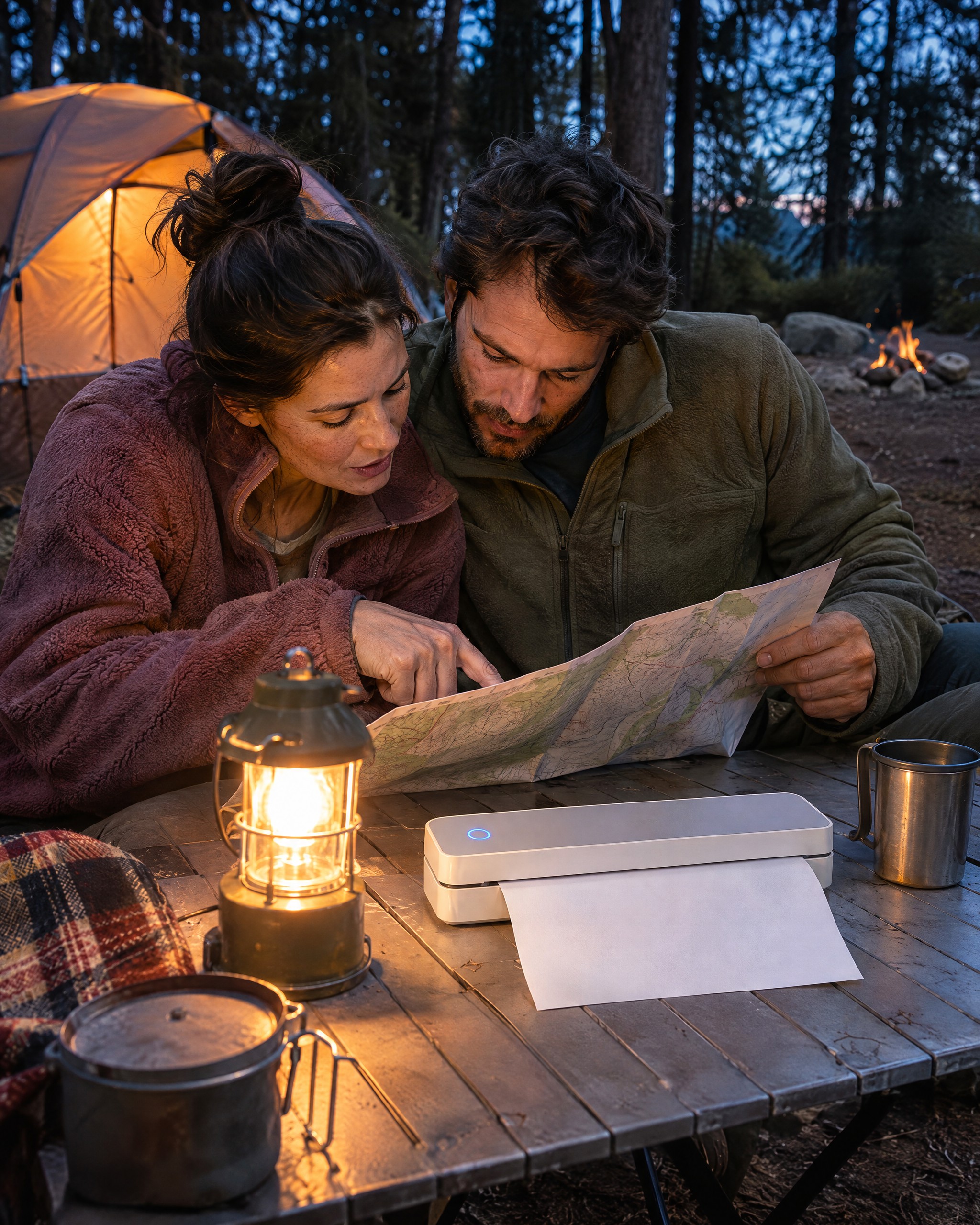
At the campsite
A trail map, read by lantern light.

At the market
Price signs, printed at the stall.
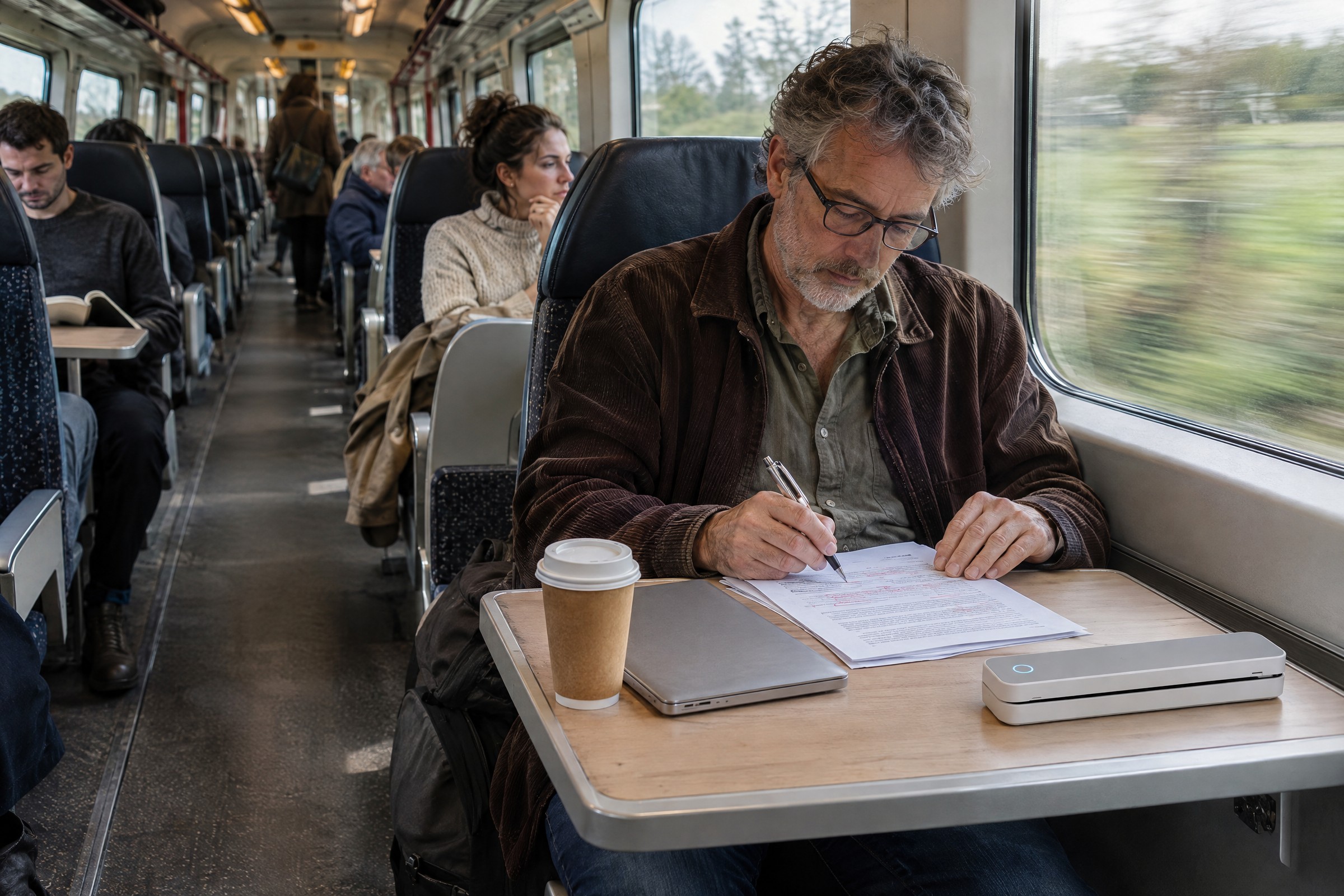
On the train
Notes to mark up at the window seat.
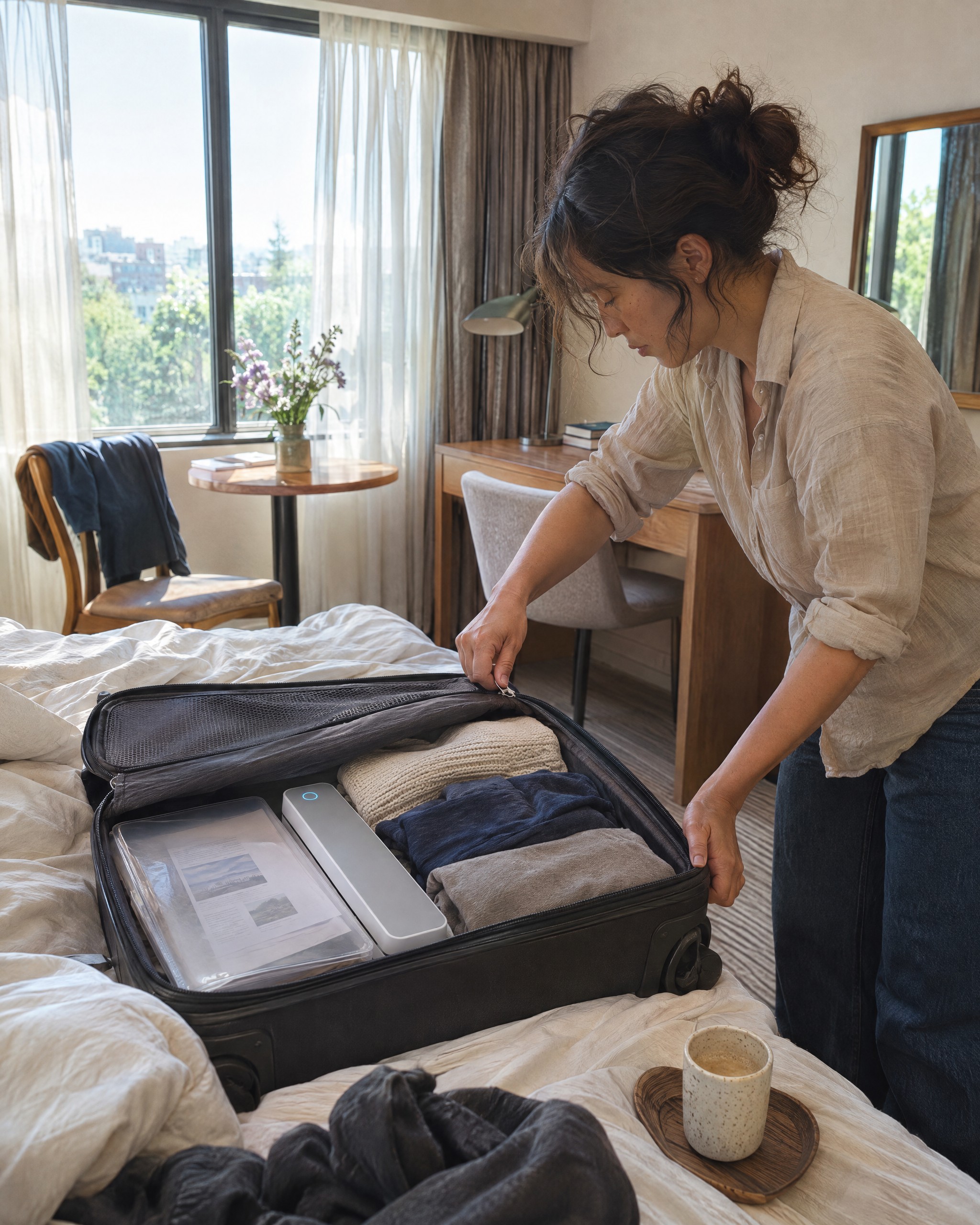
Packing for a trip
It fits between the folded clothes.
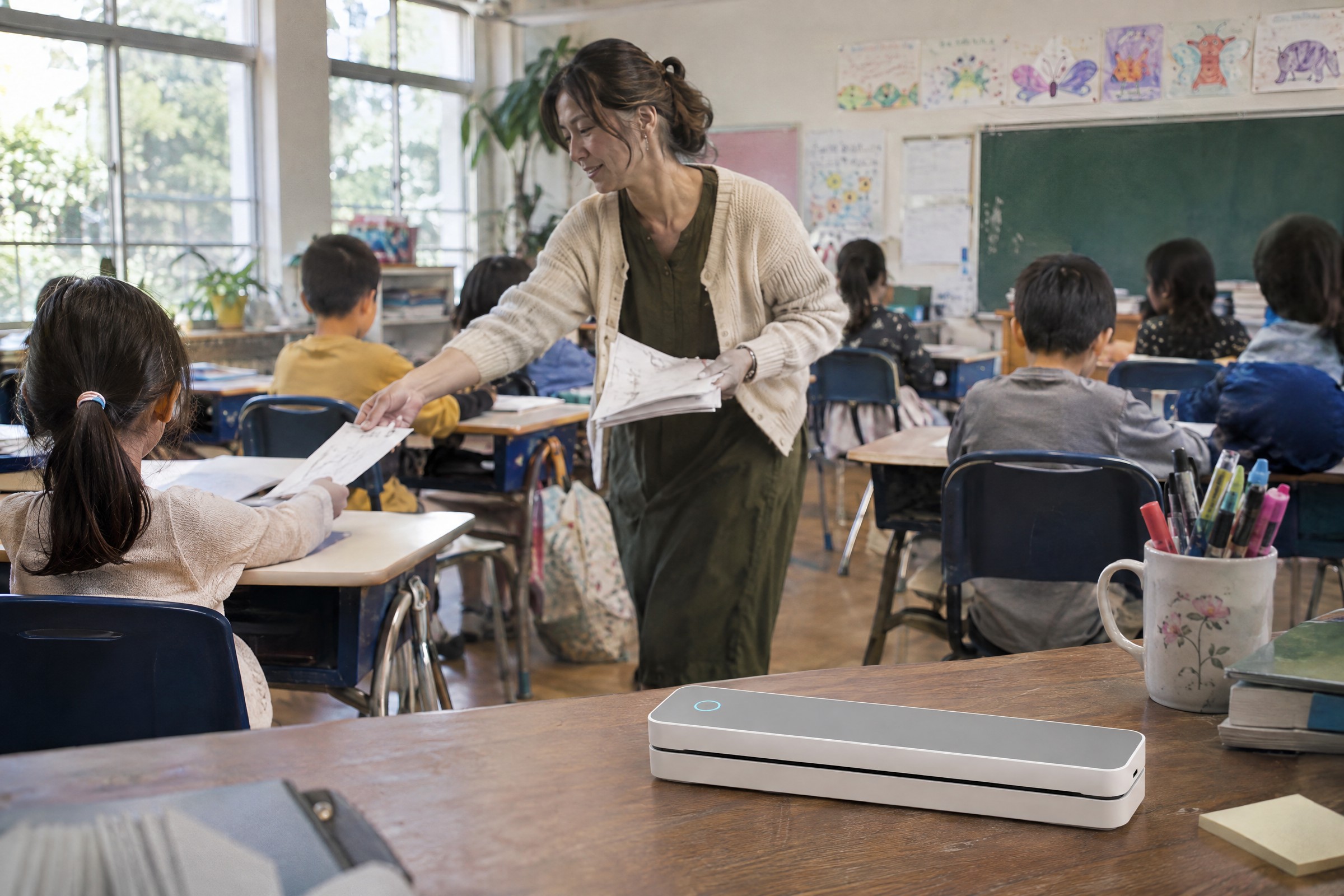
In the classroom
Worksheets, ready for the lesson.
- 2000 mAh
- Built-in rechargeable battery
- USB-C
- Charging cable in the box
- Backpack
- or briefcase: it fits in either

Goes where you go
Carry it in one hand.
From the drawer, to the bag, to wherever the page is needed.
- Built-in battery
- USB-C charging
- Fits a backpack or briefcase
No. 04 The paper
What it prints on, and what it won’t.
Most printers put ink on paper. The Leaf uses heat instead, so it needs paper that darkens with heat: thermal paper.
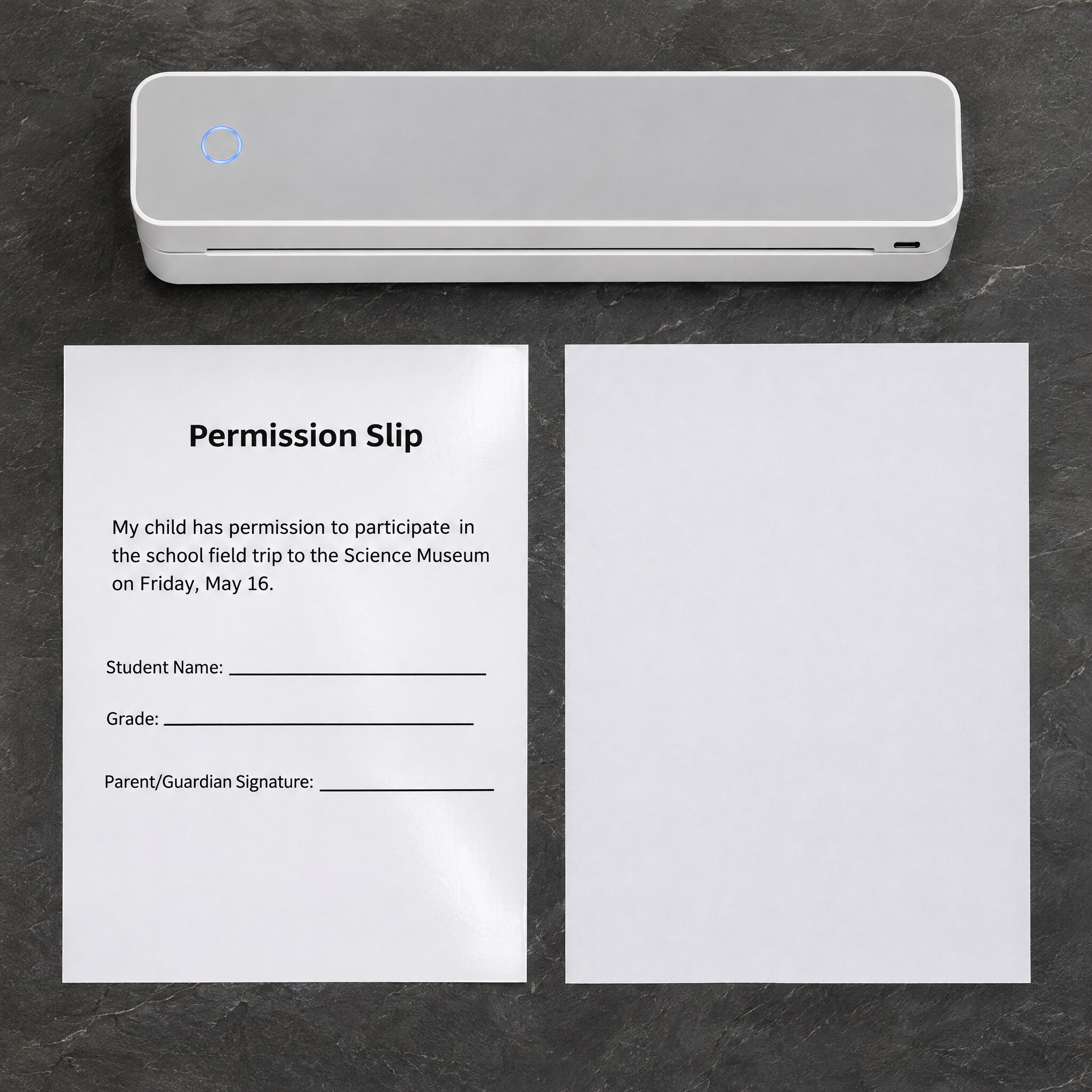
Works
- Thermal paper
- Letter, A4 and A5Full pages, not strips or receipts.
- Black printSharp and dark.
Won’t work
- Plain copier paperThere’s no ink to put on it.
- ColorIt prints in black and white only.
10 sheets of starter paper come in the box. More paper, Letter or A4 →
One Leaf, $149Free US shipping · 30-day returns
See the LeafWhy we made it
“One page shouldn’t need a new cartridge.”
We started with the printer because it’s the one people grumble about most: it takes up a shelf, and it always seems to want ink right when you need a page. Ours prints with heat from your phone, and goes back in a drawer when you’re done.
Print it. Fold it. Done.
Questions
Before you buy.

What does it print on?
Thermal paper, in Letter, A4 or A5 size. 10 sheets of starter paper come in the box. Plain copier paper won’t work.
Does it really use no ink?
Really. It prints with heat on thermal paper, so there’s no ink, toner or cartridge to buy. Paper is the only thing it uses up.
Does it print in color?
No. It prints in black and white.
Does it work with my phone?
Yes, iPhone and Android, by Bluetooth with a free app. Install the app, pair the printer, pick a file.
Can I print from a computer?
Yes. Connect it with the USB-C cable and install the free driver for Mac, Windows or Chromebook.
What comes in the box?
The printer, 10 sheets of thermal paper, a USB-C cable and a quick-start guide.
How does it charge?
It has a built-in rechargeable battery. Charge it with the USB-C cable from the box.
How long does delivery take?
Free US shipping. Your order arrives in 7–12 business days. Shipping details
What if it isn’t for me?
You have 30 days to return it. How returns work
The Ori-nota Leaf prints in black and white, with heat, on thermal paper in Letter, A4 and A5 sizes; plain copier paper won’t work. Phones print by Bluetooth with a free app; computers by USB-C with a free driver for Mac, Windows and Chromebook. Free US shipping, arriving in 7–12 business days. Shipping · 30-day returns